

Key Activation THO Alerts Pro Add-on For Google Sheets
-67%




Original price was: $299.$99Current price is: $99. SAVE $200.00
27 Downloads
Original price was: $299.$99Current price is: $99. SAVE $200.00
27 Downloads
Join Pro users automating their workflows with THO Alerts
=B{ROW}), First-match modeAfter payment, you’ll receive a license key via email within 5 minutes. In Google Sheets, go to THO Alerts → Activate License, paste your XXXX-XXXX-XXXX-XXXX format key, and click Activate. Instant upgrade!
Yes! One license works on unlimited spreadsheets under your Google account. The 50,000/month quota is shared across all sheets. View usage: THO Alerts → Usage Stats
Yes! Pro licenses include 1 transfer. Contact support@thodigitals.com to transfer your license to a new email address. (Note: This is a one-time transfer only)
You’ll receive a warning email at 70% and 90% usage. At 100%, notifications stop until next month. Need more? Contact support@thodigitals.com for enterprise pricing.
No! PayPal accepts credit/debit cards without requiring an account. Click “Pay with Card” at checkout.
No! $99 is a one-time payment. Use Pro features forever with no additional charges. Includes lifetime updates.
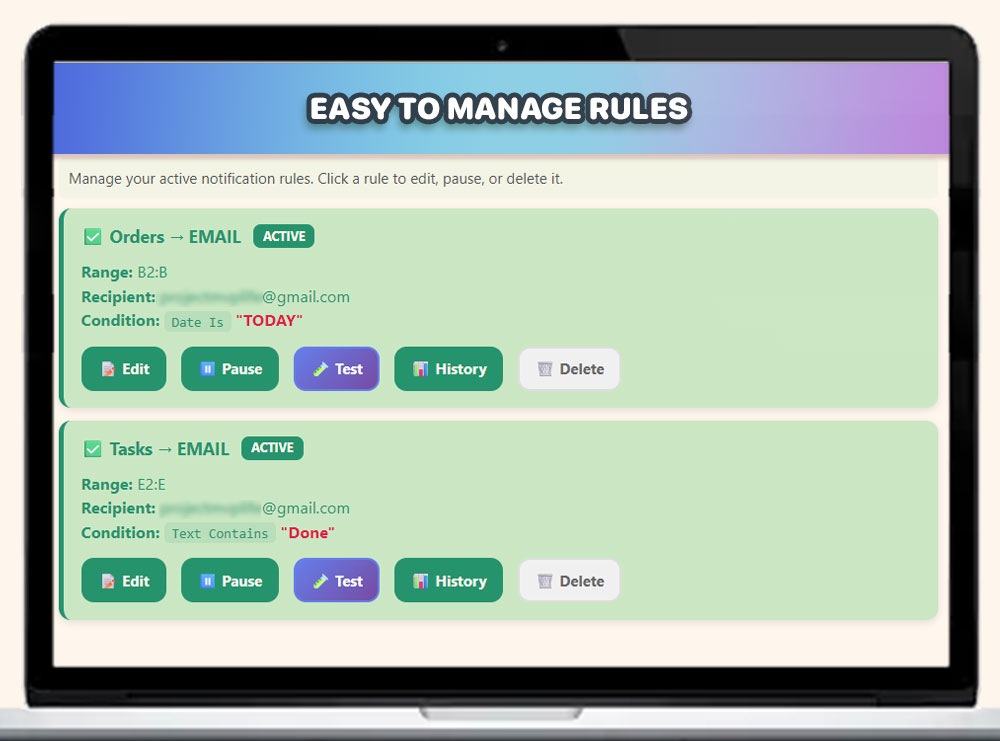
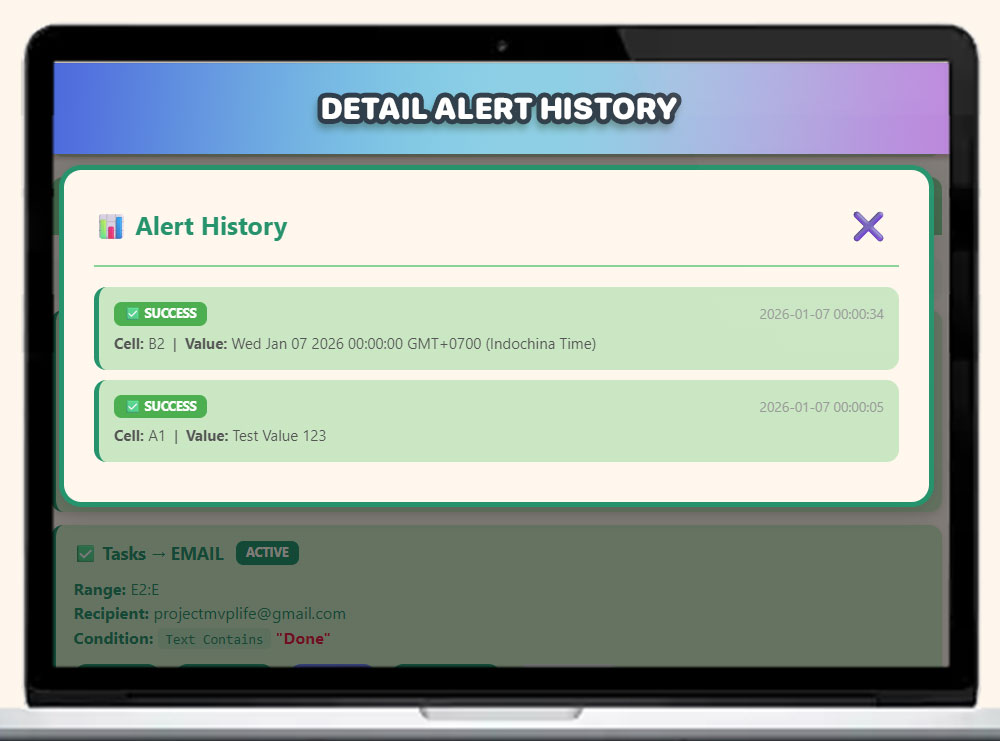
Each rule stores the last 500 notifications (success/failed status, timestamp, cell reference, error messages). Access via Manage Rules → History button.